The product idea
The hero shows an animal photo on a phone screen and the same image applied to a case. Its copy explains customisation through a photo chosen by the visitor.

Online store · custom phone cases
A photo becomes the starting point for a design.
The homepage pairs a custom-case example with a message about using a photo of your own. The Create case button marks the entry point to the configuration flow.
Explore live project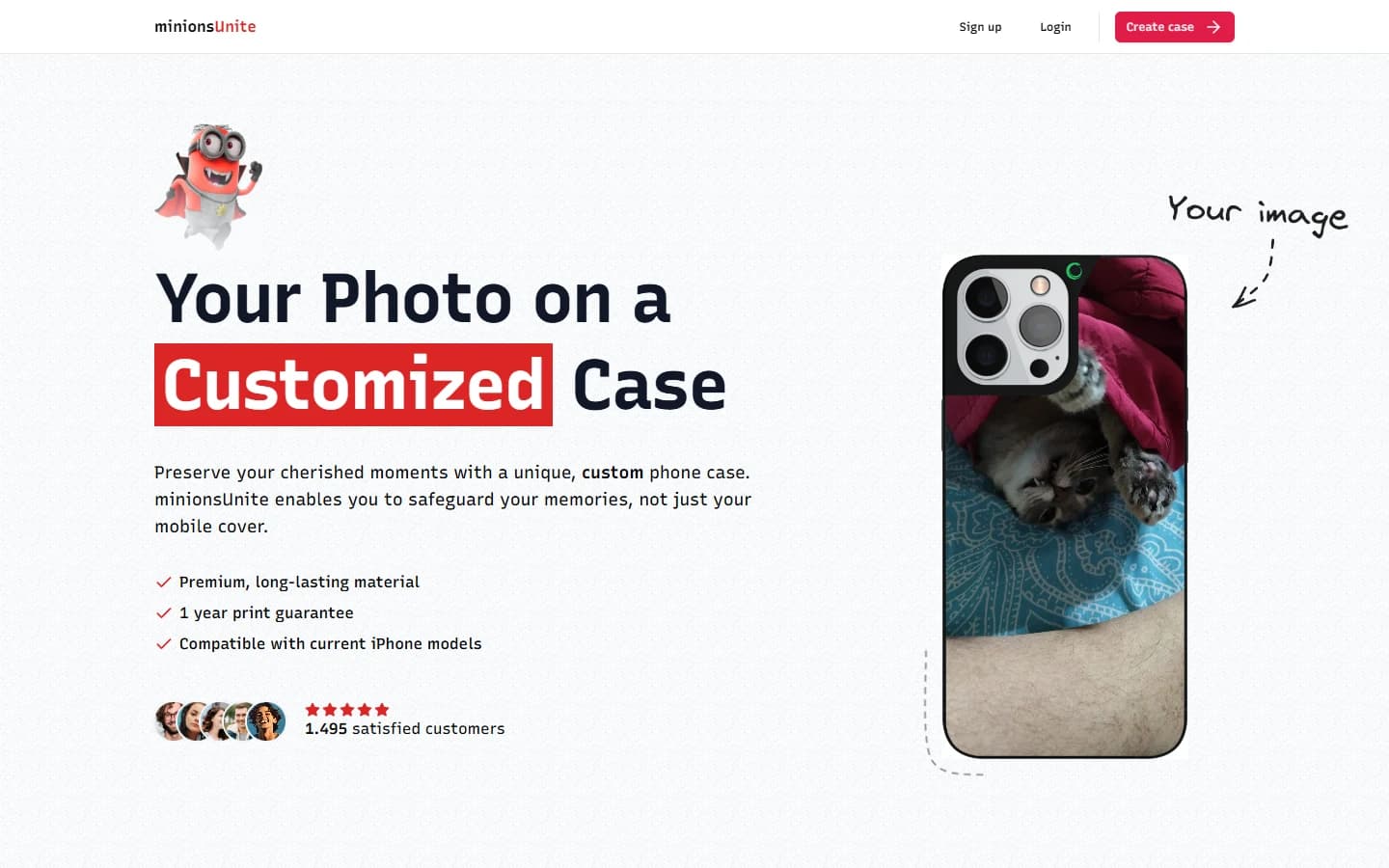
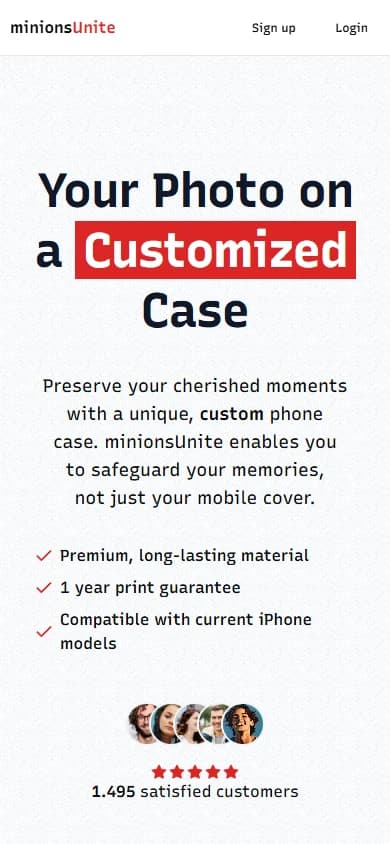
The hero shows an animal photo on a phone screen and the same image applied to a case. Its copy explains customisation through a photo chosen by the visitor.
Further down, the page repeats the example as a photo-to-case transition and groups product information beside it. Visitors can understand the idea from the example before starting their own design.
Create case appears in the header, and the product section offers another design button. The interface makes the next step in personalisation easy to find.
Project structure
The page uses the same example in its main message and product section, making the customisation idea clear at a glance.
The hero pairs its custom-case headline with a sample photo and a direct entry point to the configuration flow.
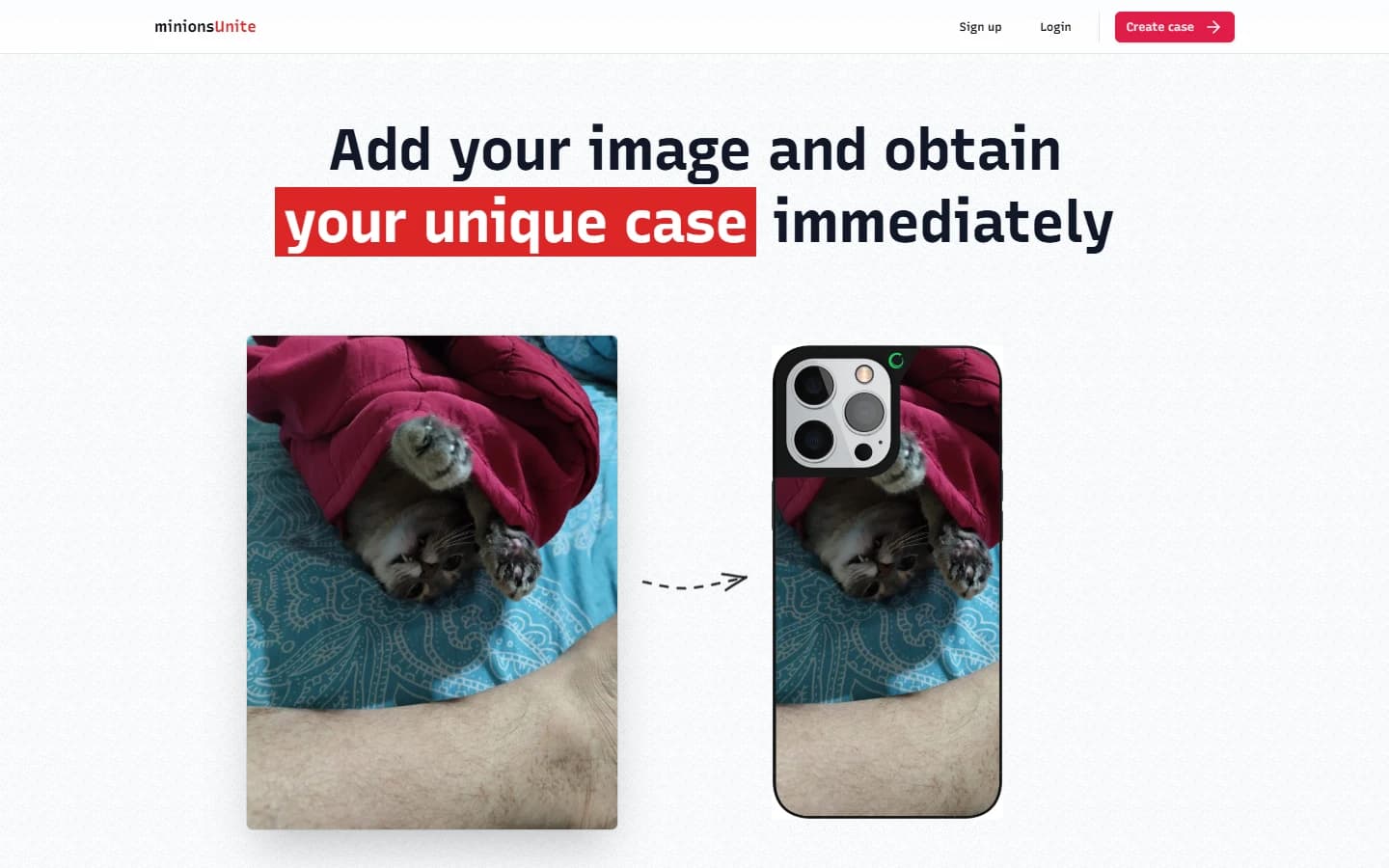
A source photo beside a case with the same image makes the customisation concept visible without uploading a new picture.
Have a project in mind?
Tell me what you want visitors to do, and we can work out the next steps together.