A visual identity for the service
Blue tones, gold accents, and serif headings create a consistent visual identity. The opening illustration introduces the stages of the journey described by the service.

Business website · Patient management
A clear introduction, followed by a guided first step.
I built Mind for Soul a website that presents its patient management services and helps visitors start an inquiry. Service pages, explanations of the collaboration process, and the interactive form create a connected journey, available in Romanian and English.
Visit Mind for Soul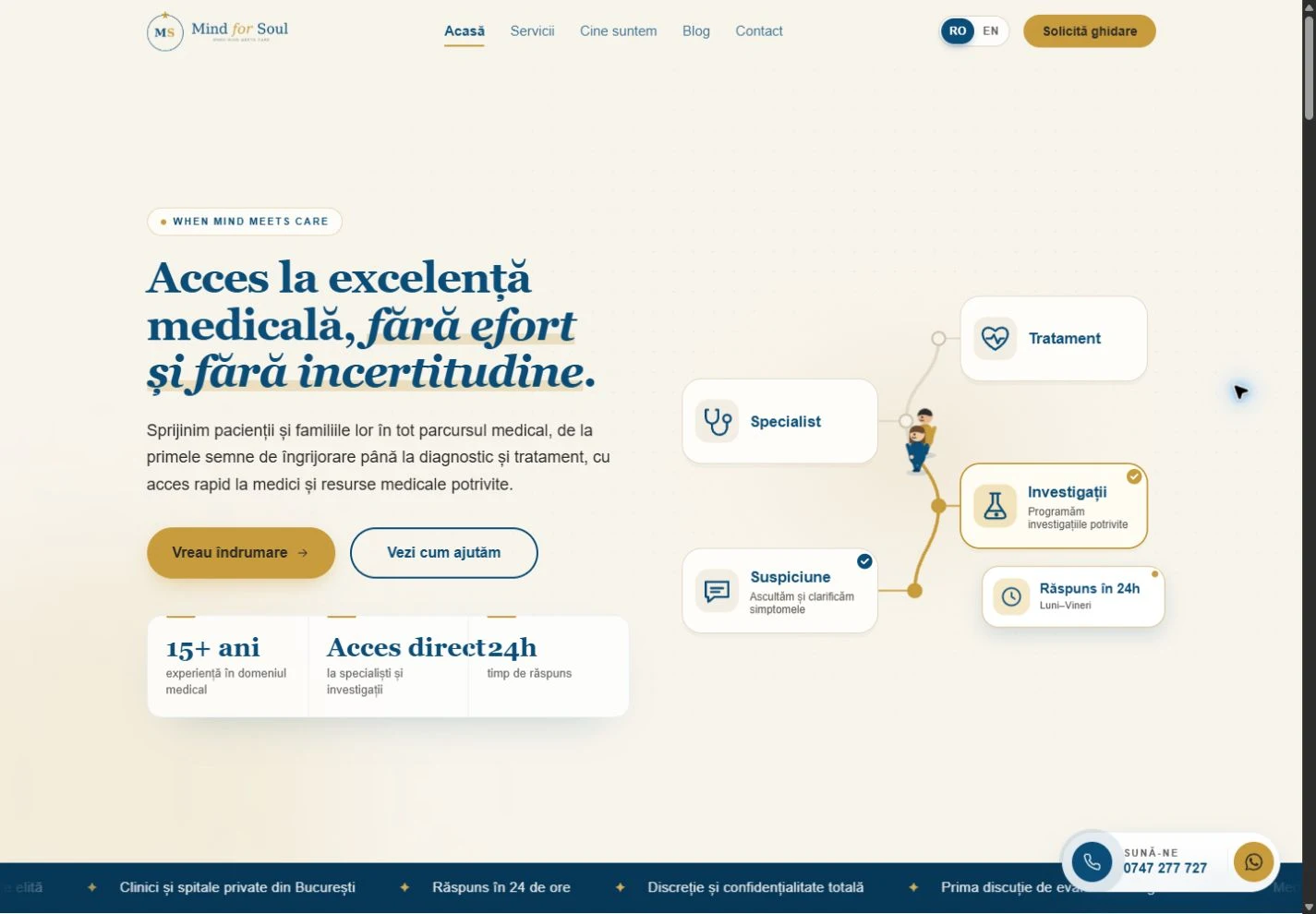
Blue tones, gold accents, and serif headings create a consistent visual identity. The opening illustration introduces the stages of the journey described by the service.
The presentation separates situation assessment, finding a specialist, investigations, and case coordination. Explanations, collaboration steps, and frequently asked questions provide context before contact.
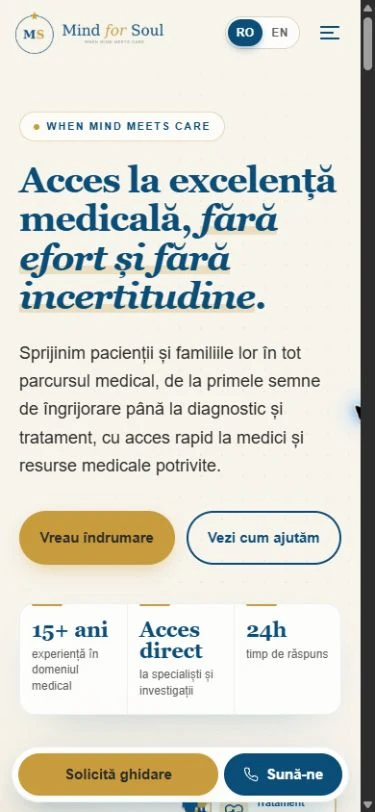
Visitors can switch languages through the navigation, and the content adapts to smaller screens. Guidance requests and contact actions remain easy to find.
Website structure
Visitors can understand the offering, explore services, and continue to the contact form.
The homepage connects the brand introduction with situations in which visitors might use the service and the next steps available to them.
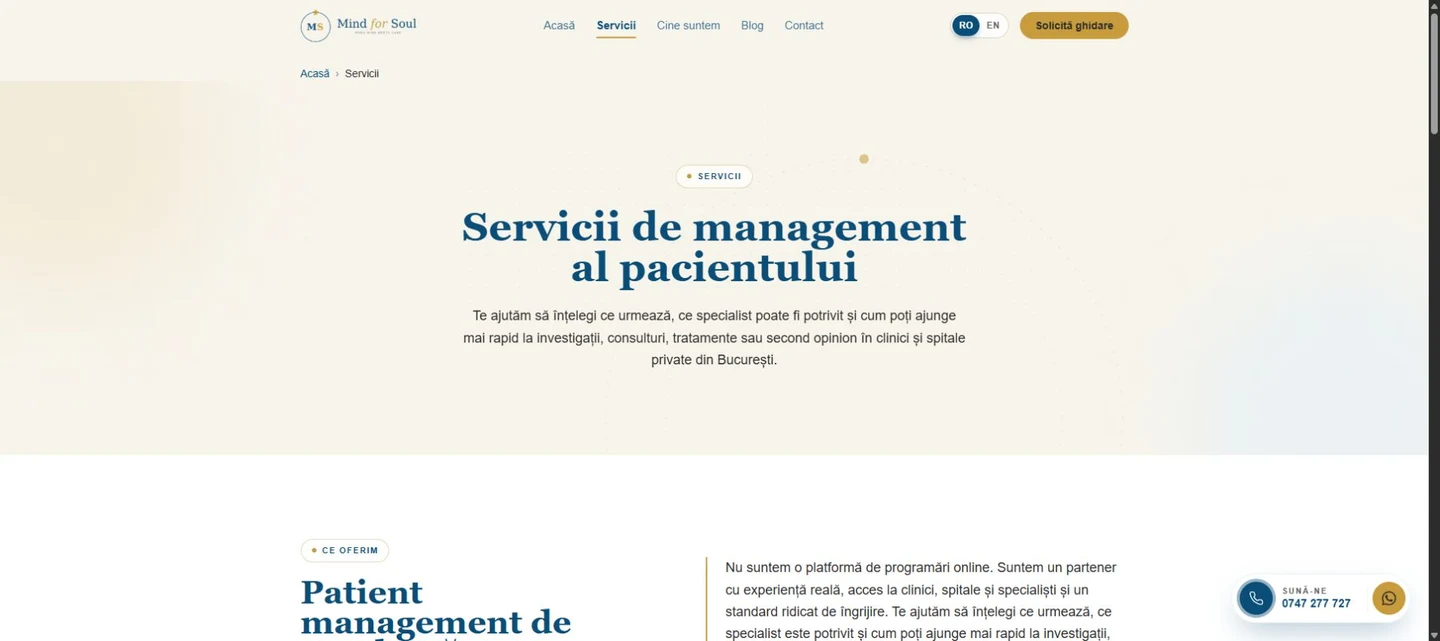
The service page explains the available support, how the collaboration works, and how to start an initial conversation.
Interactive inquiry form
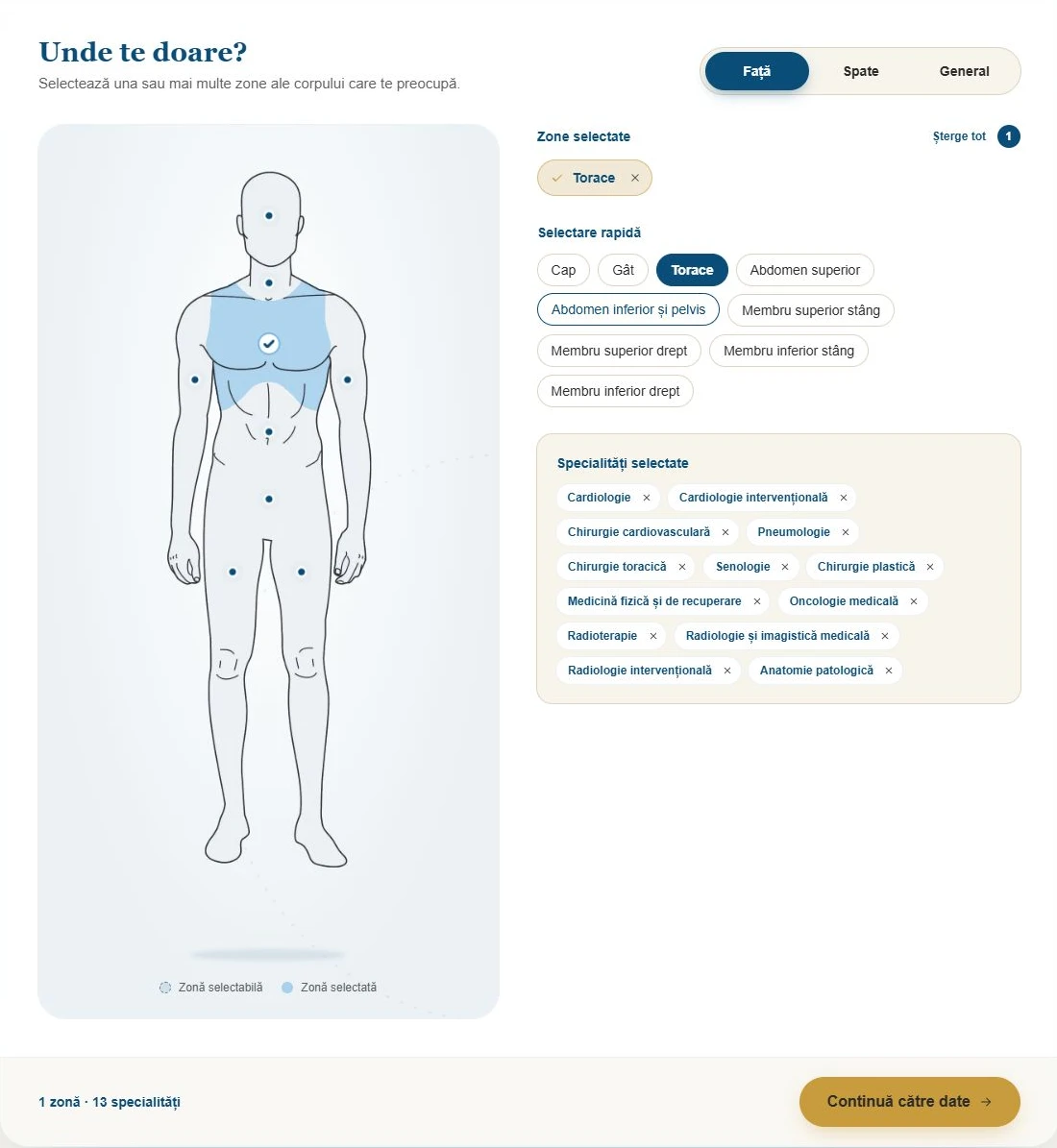
Rather than starting with a long form, visitors can first indicate the areas concerning them. Their selection fills in associated specialties, which they can adjust, and carries over to the next step.
The map has front and back views, plus a general option. Areas can also be chosen through quick-selection buttons, and associated specialties can be added or removed.
The second step retains the selection and brings together contact details, a description of the situation, and an optional document upload. A side summary connects the two stages.
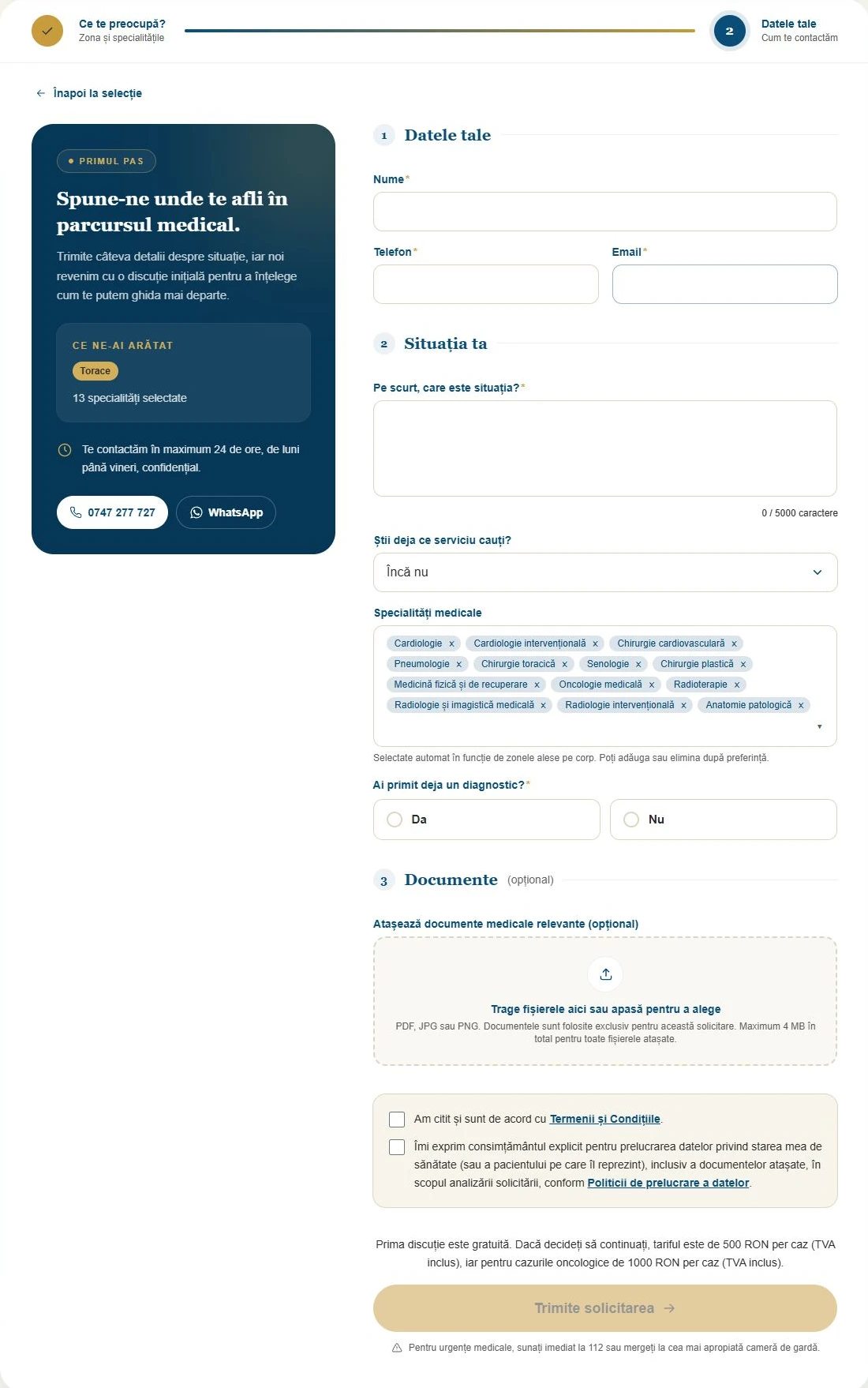
The screenshots show a demonstration selection without personal data.
Have a project in mind?
Let’s discuss your business and what would be useful for visitors to do on your website.